Apps
Best Productivity Apps to Help You Conquer The Day, Everyday

-
/home2/newsvdw7/public_html/wp-content/plugins/mvp-social-buttons/mvp-social-buttons.php on line 117
- /home2/newsvdw7/public_html/wp-content/plugins/mvp-social-buttons/mvp-social-buttons.php on line 120
- /home2/newsvdw7/public_html/wp-content/plugins/mvp-social-buttons/mvp-social-buttons.php on line 123
- /home2/newsvdw7/public_html/wp-content/plugins/mvp-social-buttons/mvp-social-buttons.php on line 126
https://www.newsviewsnetwork.com/best-productivity-apps-to-ace-the-day/&t=
Warning: Undefined variable $post in /home2/newsvdw7/public_html/wp-content/plugins/mvp-social-buttons/mvp-social-buttons.php on line 117
Warning: Attempt to read property "ID" on null in /home2/newsvdw7/public_html/wp-content/plugins/mvp-social-buttons/mvp-social-buttons.php on line 117
Best Productivity Apps to Help You Conquer The Day, Everyday', 'facebookShare', 'width=626,height=436'); return false;" title="Share on Facebook">
Best Productivity Apps to Help You Conquer The Day, Everyday &url=
Warning: Undefined variable $post in /home2/newsvdw7/public_html/wp-content/plugins/mvp-social-buttons/mvp-social-buttons.php on line 120
Warning: Attempt to read property "ID" on null in /home2/newsvdw7/public_html/wp-content/plugins/mvp-social-buttons/mvp-social-buttons.php on line 120
https://www.newsviewsnetwork.com/best-productivity-apps-to-ace-the-day/', 'twitterShare', 'width=626,height=436'); return false;" title="Tweet This Post">
https://www.newsviewsnetwork.com/best-productivity-apps-to-ace-the-day/&media=
Warning: Undefined variable $post in /home2/newsvdw7/public_html/wp-content/plugins/mvp-social-buttons/mvp-social-buttons.php on line 123
Warning: Attempt to read property "ID" on null in /home2/newsvdw7/public_html/wp-content/plugins/mvp-social-buttons/mvp-social-buttons.php on line 123
https://www.newsviewsnetwork.com/wp-content/uploads/Productivity-apps-to-help-you-conquer-the-day-everyday-474x354.jpeg&description=
Warning: Undefined variable $post in /home2/newsvdw7/public_html/wp-content/plugins/mvp-social-buttons/mvp-social-buttons.php on line 123
Warning: Attempt to read property "ID" on null in /home2/newsvdw7/public_html/wp-content/plugins/mvp-social-buttons/mvp-social-buttons.php on line 123
Best Productivity Apps to Help You Conquer The Day, Everyday', 'pinterestShare', 'width=750,height=350'); return false;" title="Pin This Post">
Best Productivity Apps to Help You Conquer The Day, Everyday&BODY=I found this article interesting and thought of sharing it with you. Check it out:
Warning: Undefined variable $post in /home2/newsvdw7/public_html/wp-content/plugins/mvp-social-buttons/mvp-social-buttons.php on line 126
Warning: Attempt to read property "ID" on null in /home2/newsvdw7/public_html/wp-content/plugins/mvp-social-buttons/mvp-social-buttons.php on line 126
https://www.newsviewsnetwork.com/best-productivity-apps-to-ace-the-day/">
Productivity apps are now prevalent especially due to the use of smartphones. Smartphones today are what once television used to be. Fun, engaging, and the bane of every parent’s existence.
Going without phones today is virtually impossible. We have our social lives, our financial statements, our notes and photos, and yes, our means of connecting to other people in case of an emergency, right in our hands. As our smartphone consumption has grown, so has worries about the true impact they have on our lives.
Already, social media platforms are being linked to rising anxiety and depression in young teens, and the use of phones as a tool of procrastination and distraction is known to us all.
While switching off your phone may not be an option, making your smartphone smarter is certainly something you can do. Here are the top productivity apps to help you get the best from your phone.
Evernote
Type – Notes and Checklists
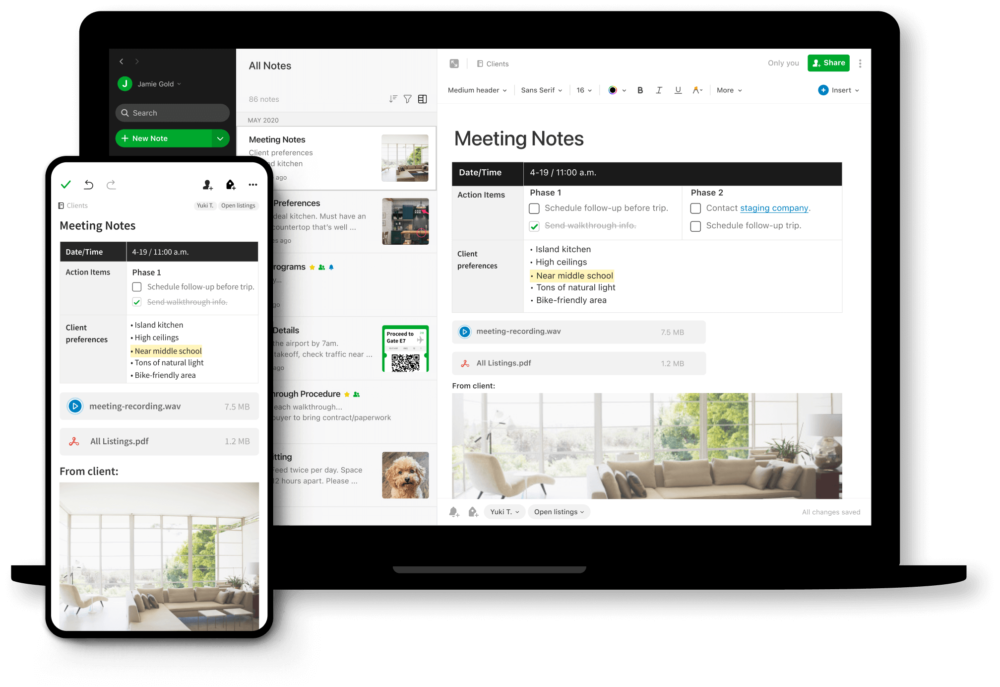
Evernote is one of the most popular productivity apps, and for good reason. The app combines the functions of a diary, tracker, note-keeper, and storage all at once. You can save images, links, and hand-drawn doodles, and create reminders to be shown on your homepage, and organize your notes using notebooks and labels.
The two best features about Evernote is that most of the functions you need to get by in daily life are free – though syncing more than 2 devices is something you’ll have to shell out for. The other essential benefit is its detailed templates, that cover everything from weight loss charting to party planning.
A recent update had people complaining, but otherwise this app is solid.
Google News

Type – News and Information
Instead of downloading individual apps of all newspapers and magazines (which also carries the possibility of you getting information from a single, biased source), download Google News, formerly called by the more appropriate name Newsstand.
Based on your location, google account activity and preferences, you get a constant flow of information and news. A hidden gem of a app – the articles that it publishes from sources such as National Geographic and Scientific American, are a great read for those who are interested in niche topics such as anthropology and culture.
This app also gives you top stories of the day in an early-morning summary to help you tackle the day informed.
Forest
Type – Focus App
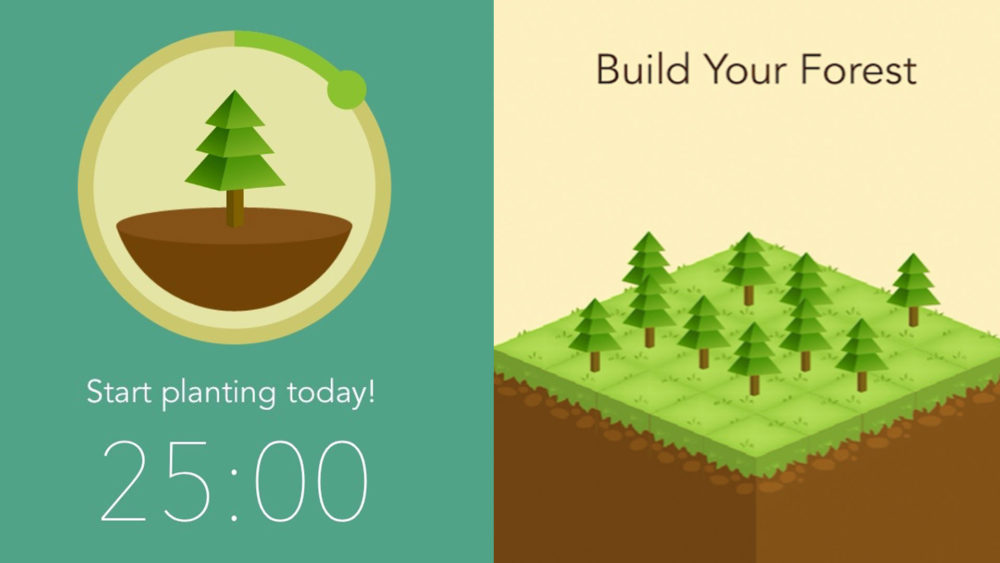
Productivity apps that help you stay off your phones have been tried before, but most people end up bypassing the locks or uninstalling the apps. Forest helps keep you motivated with a simple premise – as long as you don’t touch your phone, your planted seed will grow. Exit the app? Chop Chop.
With its simple but powerful visualization, Forest will help you understand how long you stick to your tasks, and help you see bountiful rewards for staying focussed. As a bonus, this app has pledged to plant actual trees through user engagement, so it’s a win for your work project – as well as for the planet!
Slack
Type – Business Communication
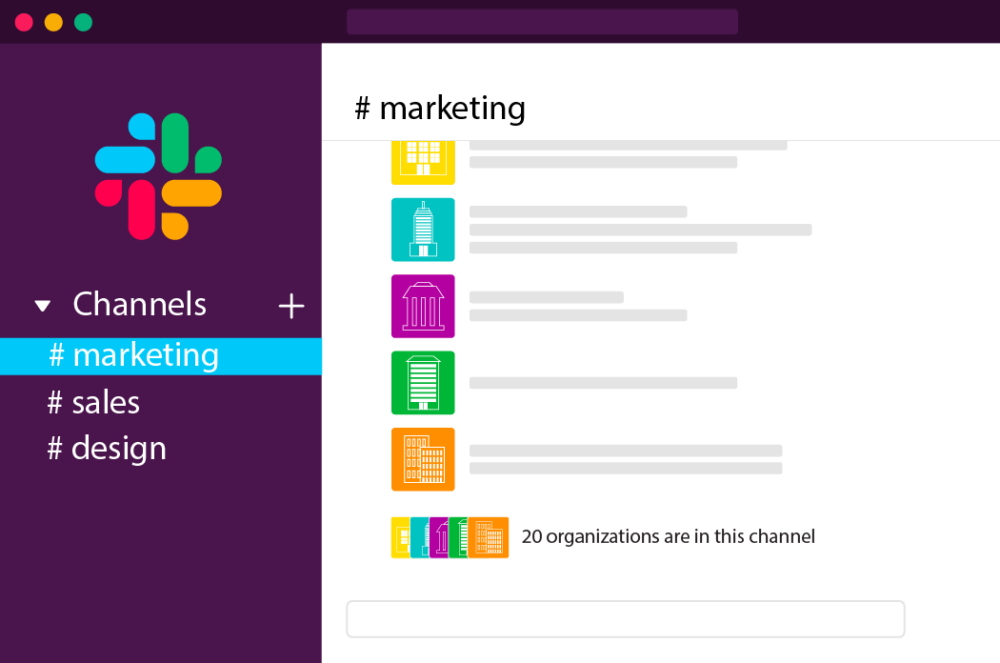
Want to replicate the success of corporations like AirBnB and Oracle? Slack is a great place to get started! With a unique communication system Slack allows workers to be very flexible in their communication with each other.
Organized and searchable, communications can be created around specific projects, and people can walk out and join in as and when needed.
In this age of Work from Home, productivity apps such as Slack have become a cornerstone for effectiveness and efficiency, while also helping workers maintain healthy boundaries by putting them only on the communications that they are needed in.
Enpass
Type – Security
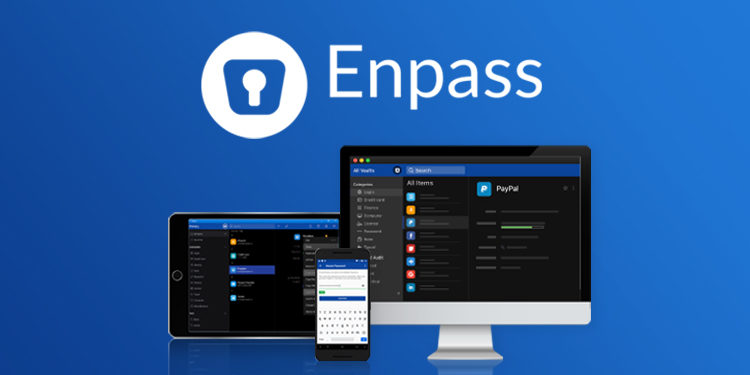
Passwords should have big letters, small letters, numbers, signs, and voodoo, and also that you don’t actually forget the password. Enpass makes things easier. Unlike many other password protection productivity apps, Enpass does not back up data into its servers.
Instead, your passwords are stored on your local device behind encryption. Users do have the option to back up passwords to clouds such as OneDrive or Dropbox. Enpass does need a master password, so make sure you do remember that one! Remember however, that no password manager is completely safe.
Dual authentication methods, such as password-OTP combinations, are a good security strategy.
Rescue Time
Type – Productivity Tracker
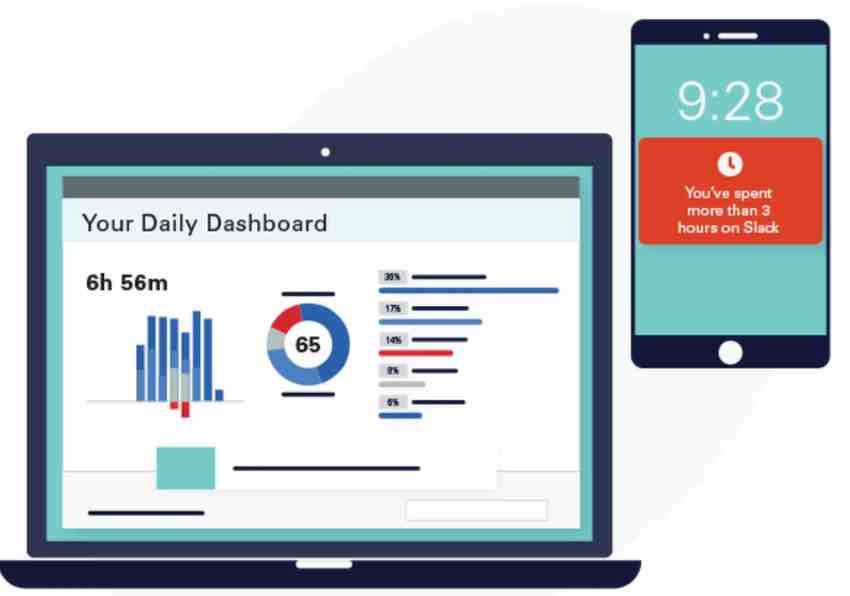
If you want to get more productive, you need to understand how you behave and how much time you spend on different things. Enter Rescue Time, which does exactly that. This app records how many minutes and hours you spend on various other apps and websites.
What’s more, you can classify these platforms depending on different levels of productivity, so you know if you are actually doing good work, or just procrastinating. With its simple graphs and math, you get a complete breakdown of your working hours, and design a more productive life easily.
Tetris
Type – Brain functioning and Fun
Yes, productivity apps can be games too! Instead of mindlessly scrolling through TikTok or Reels, play something that has proven benefits. Tetris, known as one of the world’s most popular video games, has been found to improve brain functioning, and reduce craving for addictive substances, including coffee and sugars.
Tetris is a simple, fun and engaging game that you can play during your commute or downtime, helping you stay off from social media and preventing doom scrolling.
Now that you know all about these productivity apps, make sure that you remove the junk and add in these apps as soon as possible, and see how your smartphone – and you – get smarter and productive each day!
-
/home2/newsvdw7/public_html/wp-content/plugins/mvp-social-buttons/mvp-social-buttons.php on line 117
- /home2/newsvdw7/public_html/wp-content/plugins/mvp-social-buttons/mvp-social-buttons.php on line 120
- /home2/newsvdw7/public_html/wp-content/plugins/mvp-social-buttons/mvp-social-buttons.php on line 123
- /home2/newsvdw7/public_html/wp-content/plugins/mvp-social-buttons/mvp-social-buttons.php on line 126
https://www.newsviewsnetwork.com/best-productivity-apps-to-ace-the-day/&t=
Warning: Undefined variable $post in /home2/newsvdw7/public_html/wp-content/plugins/mvp-social-buttons/mvp-social-buttons.php on line 117
Warning: Attempt to read property "ID" on null in /home2/newsvdw7/public_html/wp-content/plugins/mvp-social-buttons/mvp-social-buttons.php on line 117
Best Productivity Apps to Help You Conquer The Day, Everyday', 'facebookShare', 'width=626,height=436'); return false;" title="Share on Facebook">
Best Productivity Apps to Help You Conquer The Day, Everyday &url=
Warning: Undefined variable $post in /home2/newsvdw7/public_html/wp-content/plugins/mvp-social-buttons/mvp-social-buttons.php on line 120
Warning: Attempt to read property "ID" on null in /home2/newsvdw7/public_html/wp-content/plugins/mvp-social-buttons/mvp-social-buttons.php on line 120
https://www.newsviewsnetwork.com/best-productivity-apps-to-ace-the-day/', 'twitterShare', 'width=626,height=436'); return false;" title="Tweet This Post">
https://www.newsviewsnetwork.com/best-productivity-apps-to-ace-the-day/&media=
Warning: Undefined variable $post in /home2/newsvdw7/public_html/wp-content/plugins/mvp-social-buttons/mvp-social-buttons.php on line 123
Warning: Attempt to read property "ID" on null in /home2/newsvdw7/public_html/wp-content/plugins/mvp-social-buttons/mvp-social-buttons.php on line 123
https://www.newsviewsnetwork.com/wp-content/uploads/Productivity-apps-to-help-you-conquer-the-day-everyday-474x354.jpeg&description=
Warning: Undefined variable $post in /home2/newsvdw7/public_html/wp-content/plugins/mvp-social-buttons/mvp-social-buttons.php on line 123
Warning: Attempt to read property "ID" on null in /home2/newsvdw7/public_html/wp-content/plugins/mvp-social-buttons/mvp-social-buttons.php on line 123
Best Productivity Apps to Help You Conquer The Day, Everyday', 'pinterestShare', 'width=750,height=350'); return false;" title="Pin This Post">
Best Productivity Apps to Help You Conquer The Day, Everyday&BODY=I found this article interesting and thought of sharing it with you. Check it out:
Warning: Undefined variable $post in /home2/newsvdw7/public_html/wp-content/plugins/mvp-social-buttons/mvp-social-buttons.php on line 126
Warning: Attempt to read property "ID" on null in /home2/newsvdw7/public_html/wp-content/plugins/mvp-social-buttons/mvp-social-buttons.php on line 126
https://www.newsviewsnetwork.com/best-productivity-apps-to-ace-the-day/">